Gyroscope Motion Control
Tilt your iPhone to control robotic fixture pan/tilt with a direct, natural feel.
Move the fixture in real time by tilting your phone. PFS PortableFollowSpot turns your mobile gyroscope into precise motion control for stage lighting.
KEY FEATURES
Tilt your iPhone to control robotic fixture pan/tilt with a direct, natural feel.
Set sensitivity, neutral point, and movement range in seconds before the show starts.
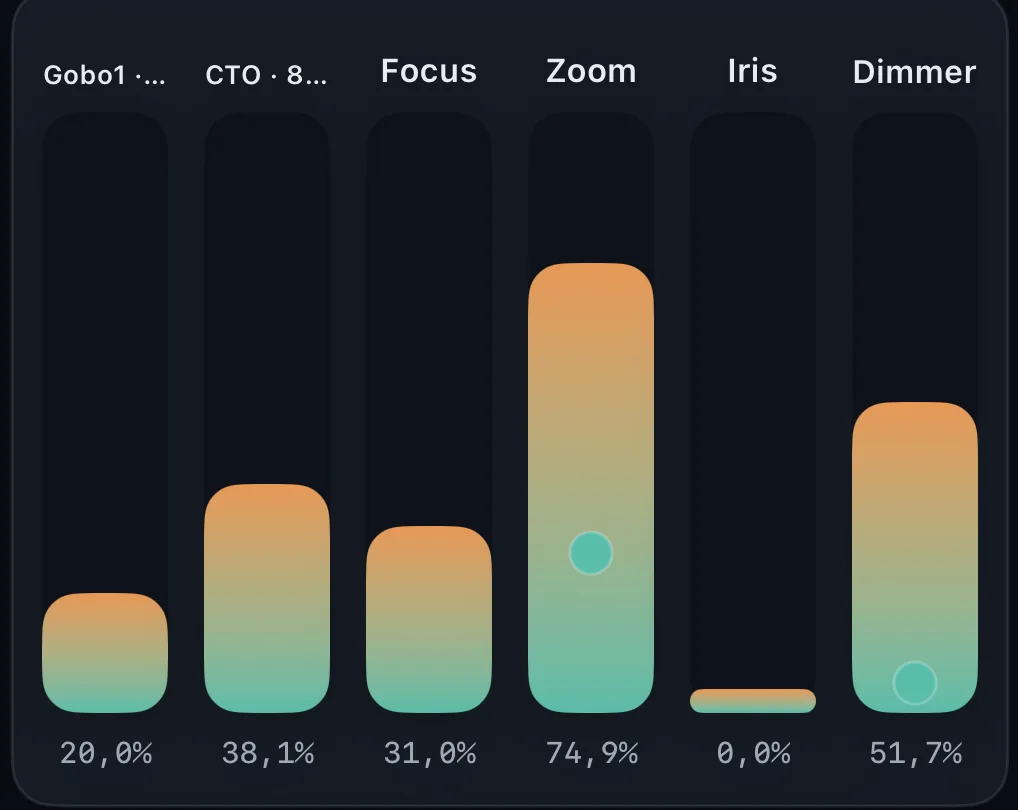
Keep smooth response for accurate performer tracking during complex lighting cues.
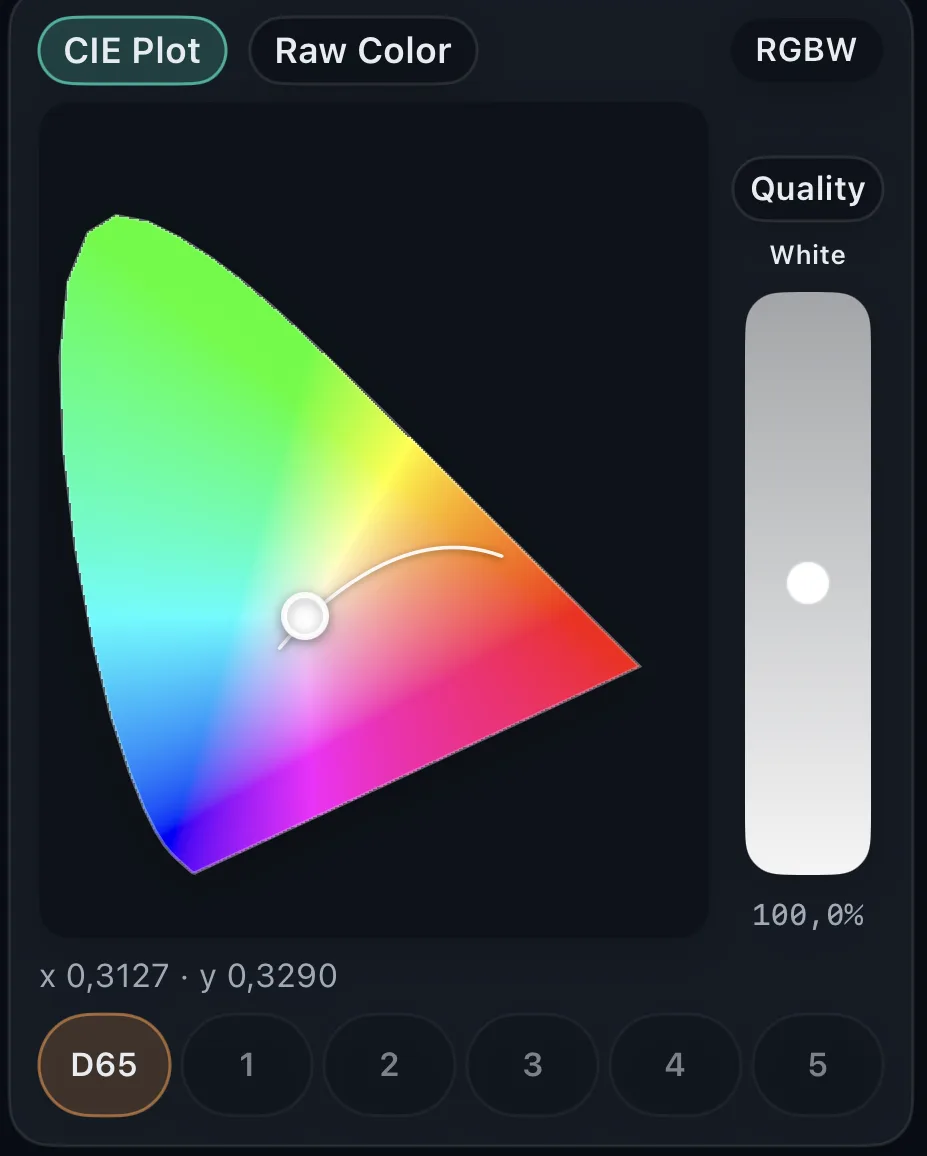
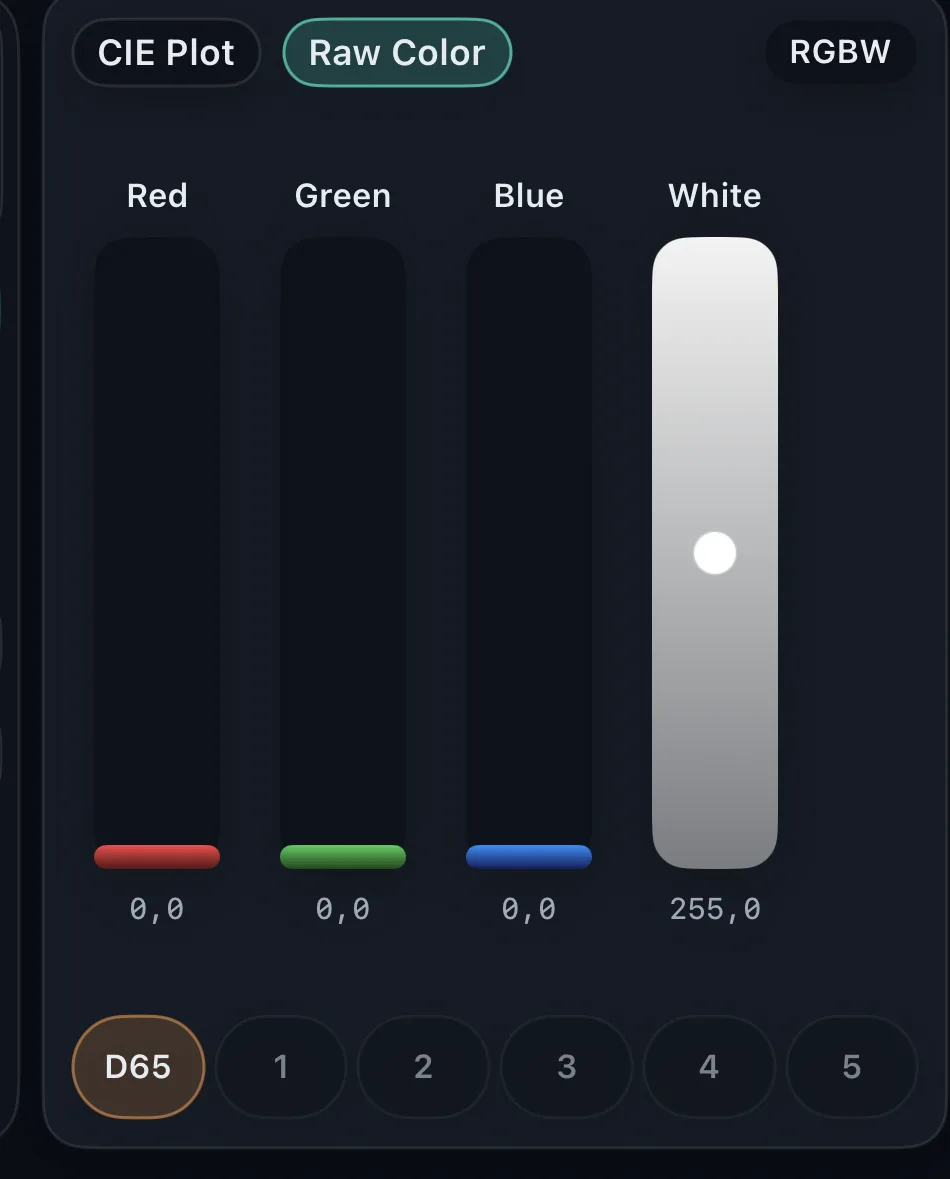
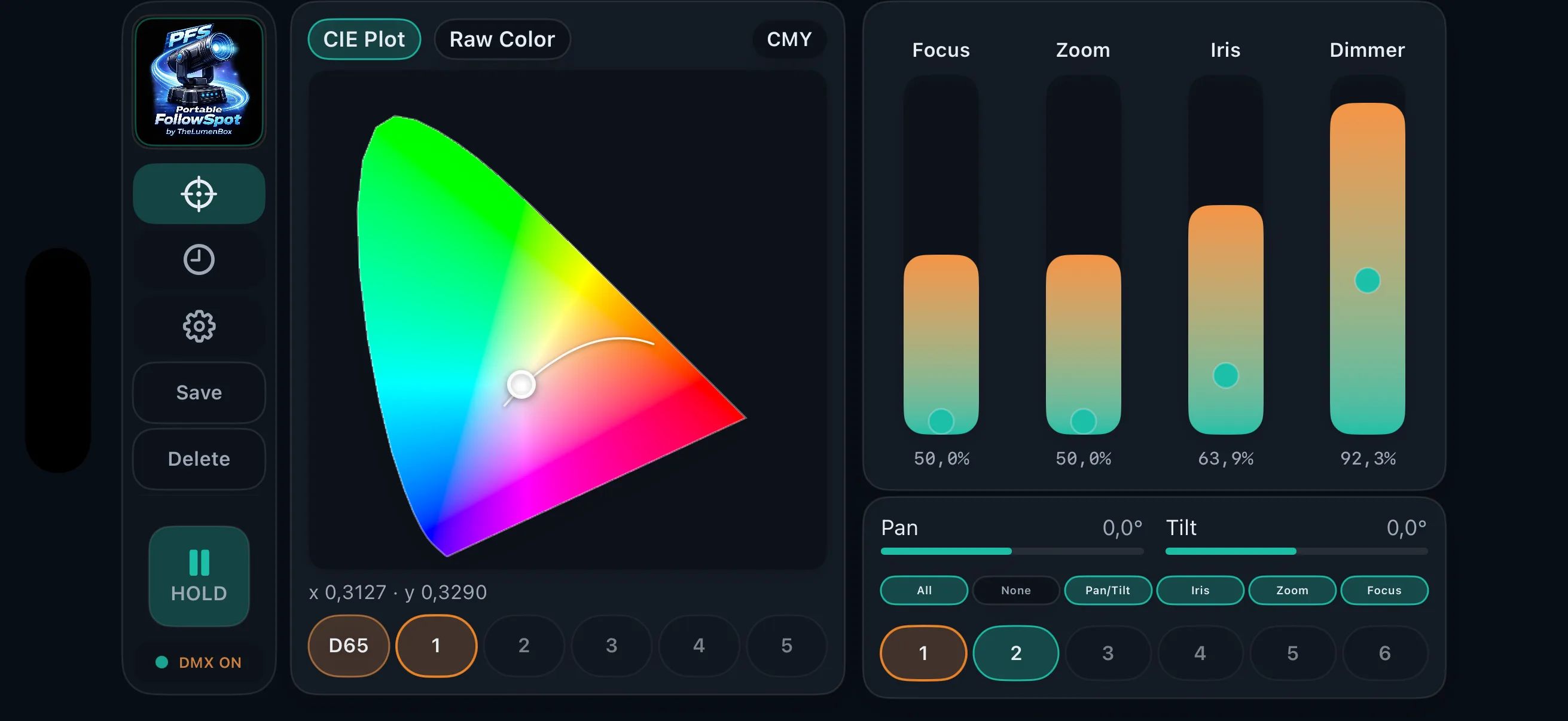
CIE color picker or RAW values. White channel control for RGBW fixtures with Quality and Boost modes.
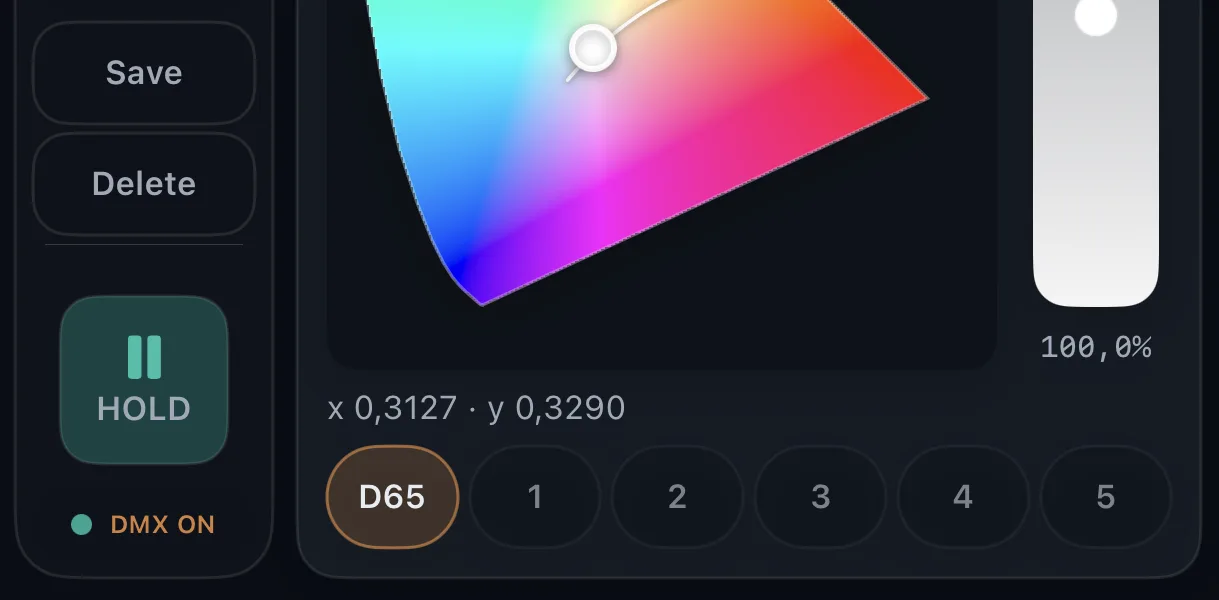
Save up to 5 color presets and 15 position presets. Plus a fixed D65 white preset.
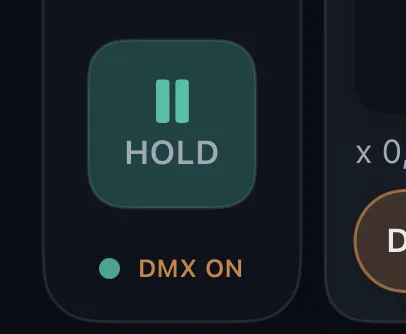
You can keep your spot in a fixed position by pausing temporarily or locking the position. Ideal for breaks when your target stays static.
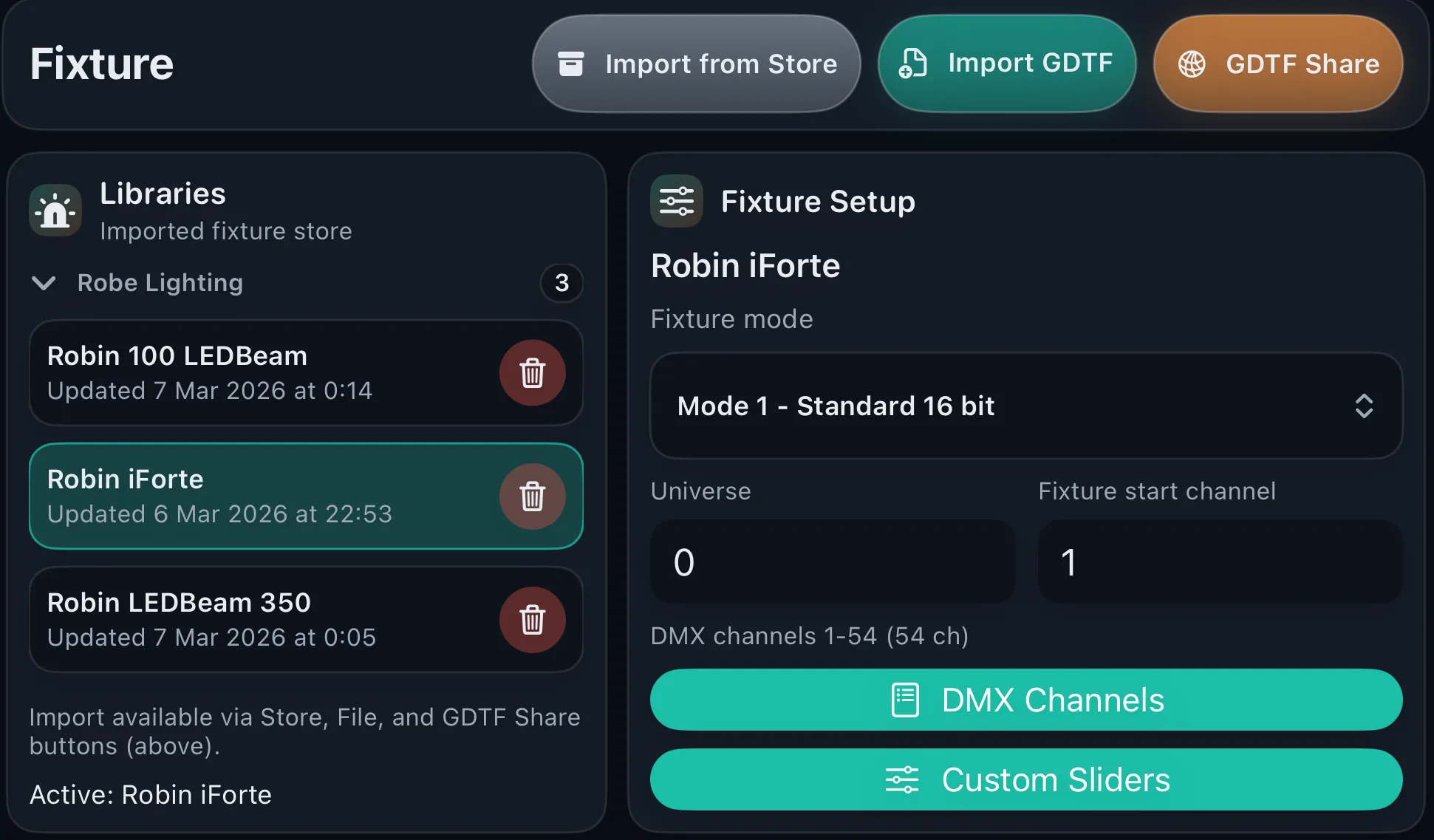
Import built-in fixtures from the app. Import GDTF fixtures or download them from GDTF Share.
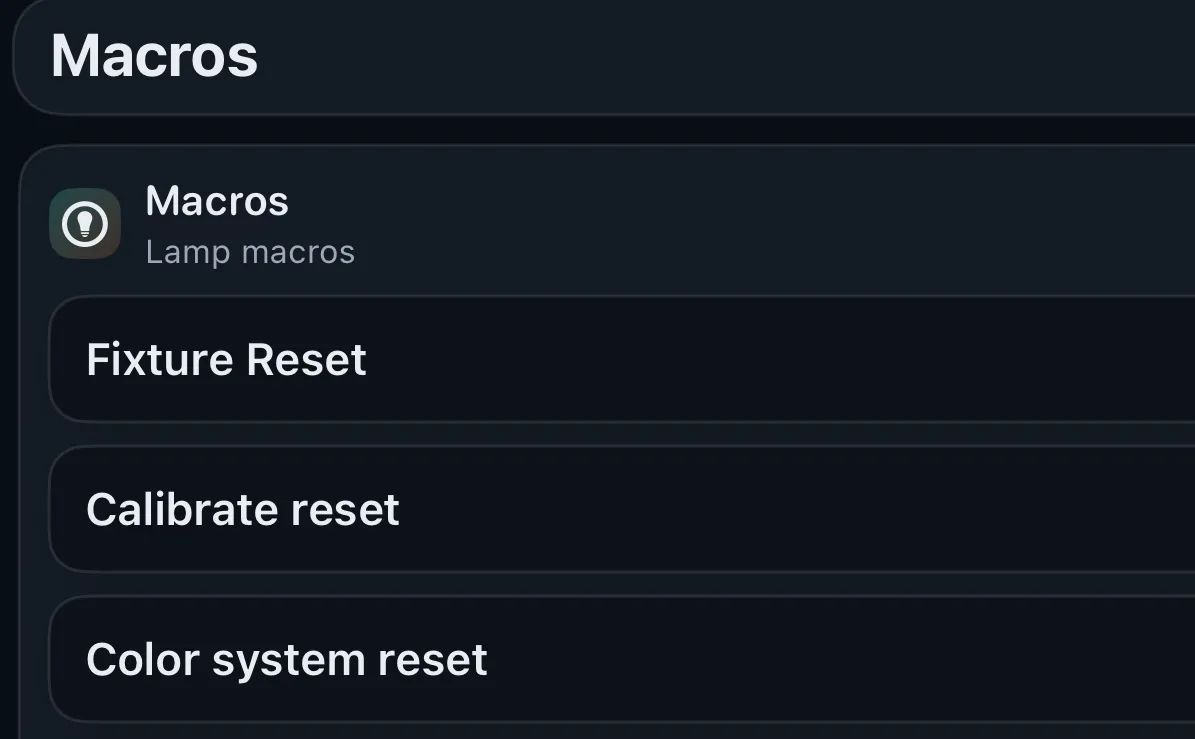
Run fixture macros. Lamp control, resets, and more.
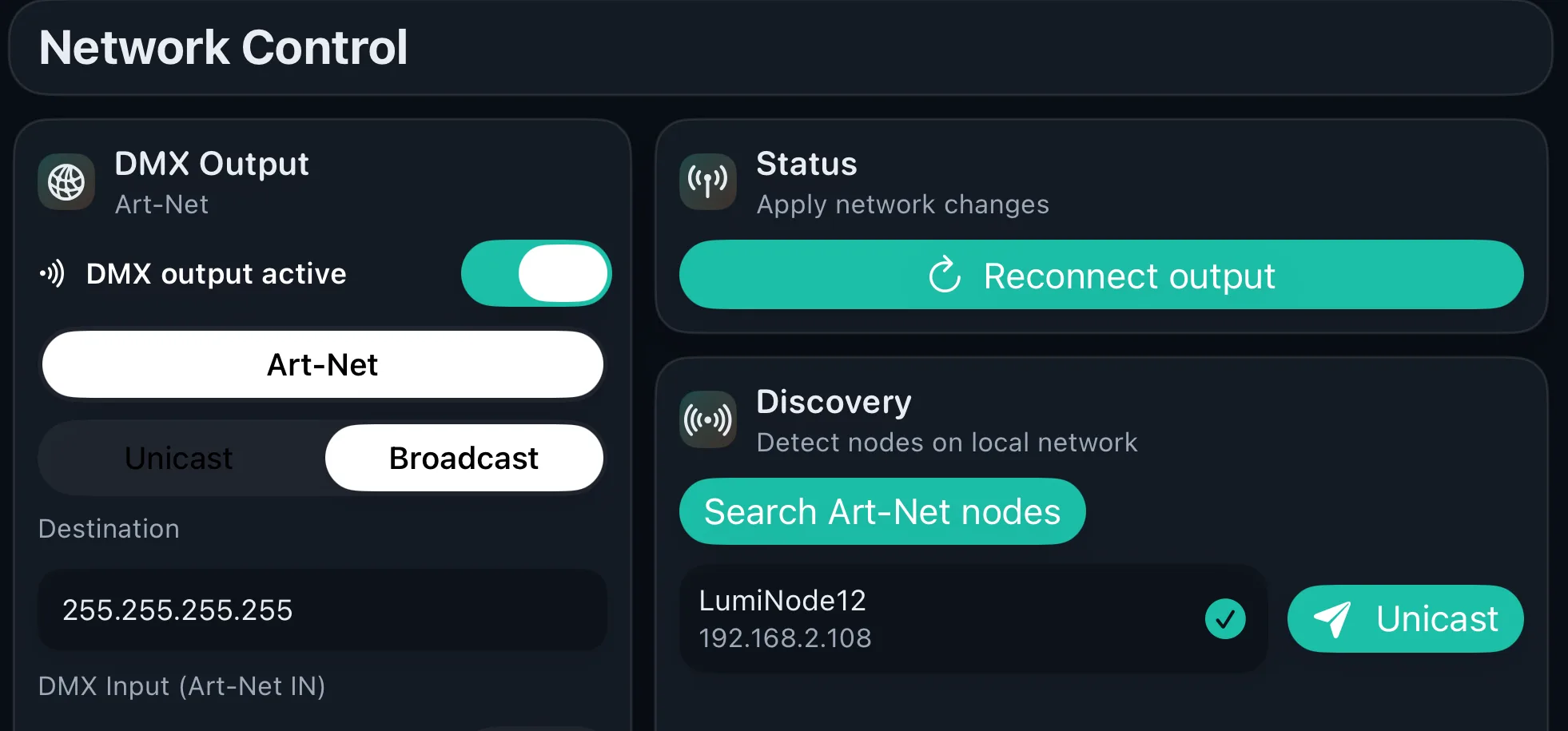
PFS works with Art-Net. Scan nodes. Configure unicast or broadcast output.
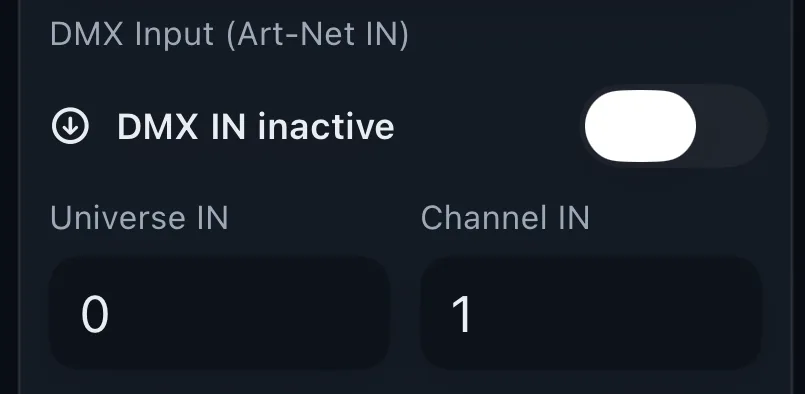
Share your app control with a console via DMX. Load your fixture on the console and set a DMX In channel.
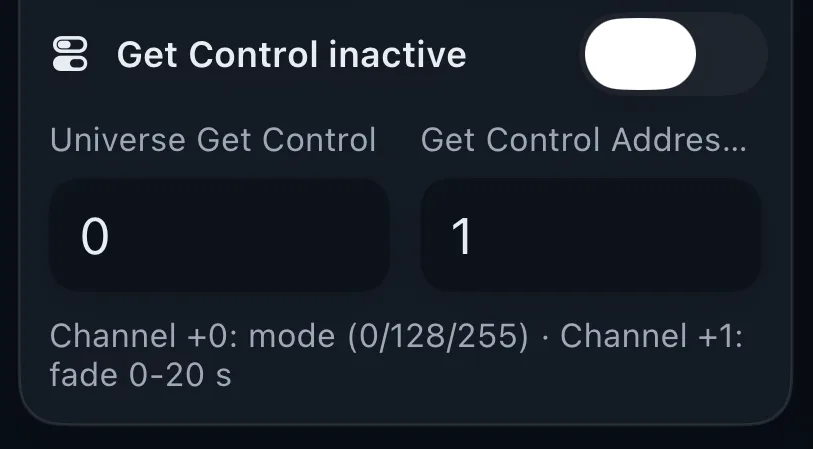
From your console, manage DMX In priority, take full control, return control with user confirmation, or return control instantly to the app.
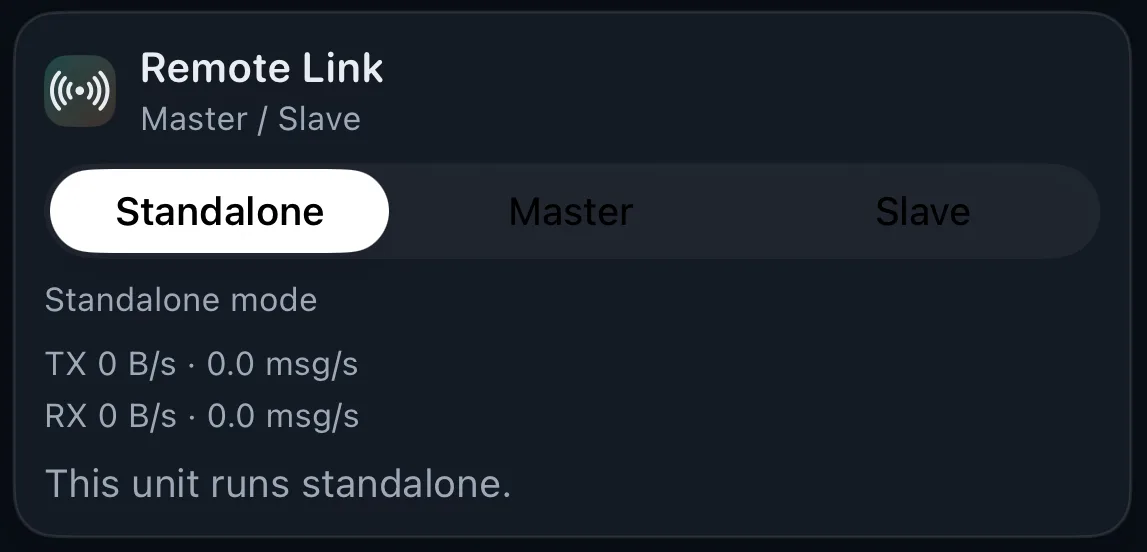
Connect two iPhones or iPads to control the app remotely. This lets you place the master on a tripod and control the rest comfortably from a slave device.
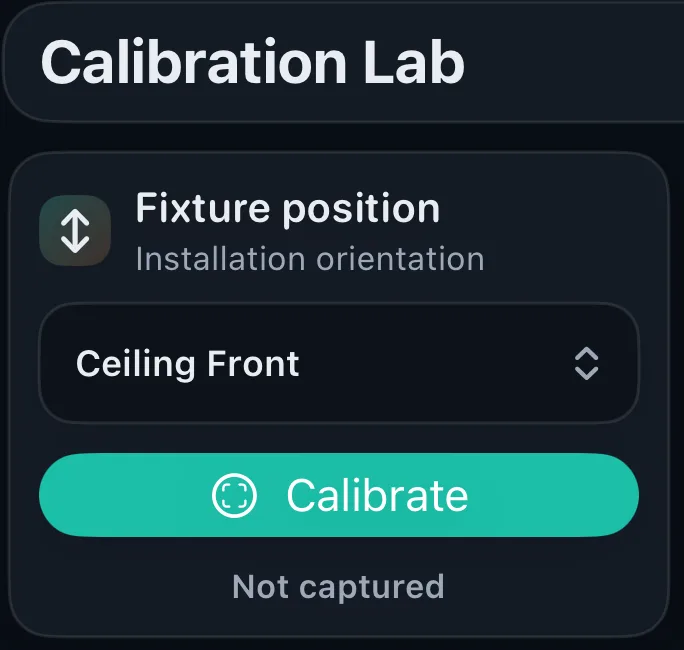
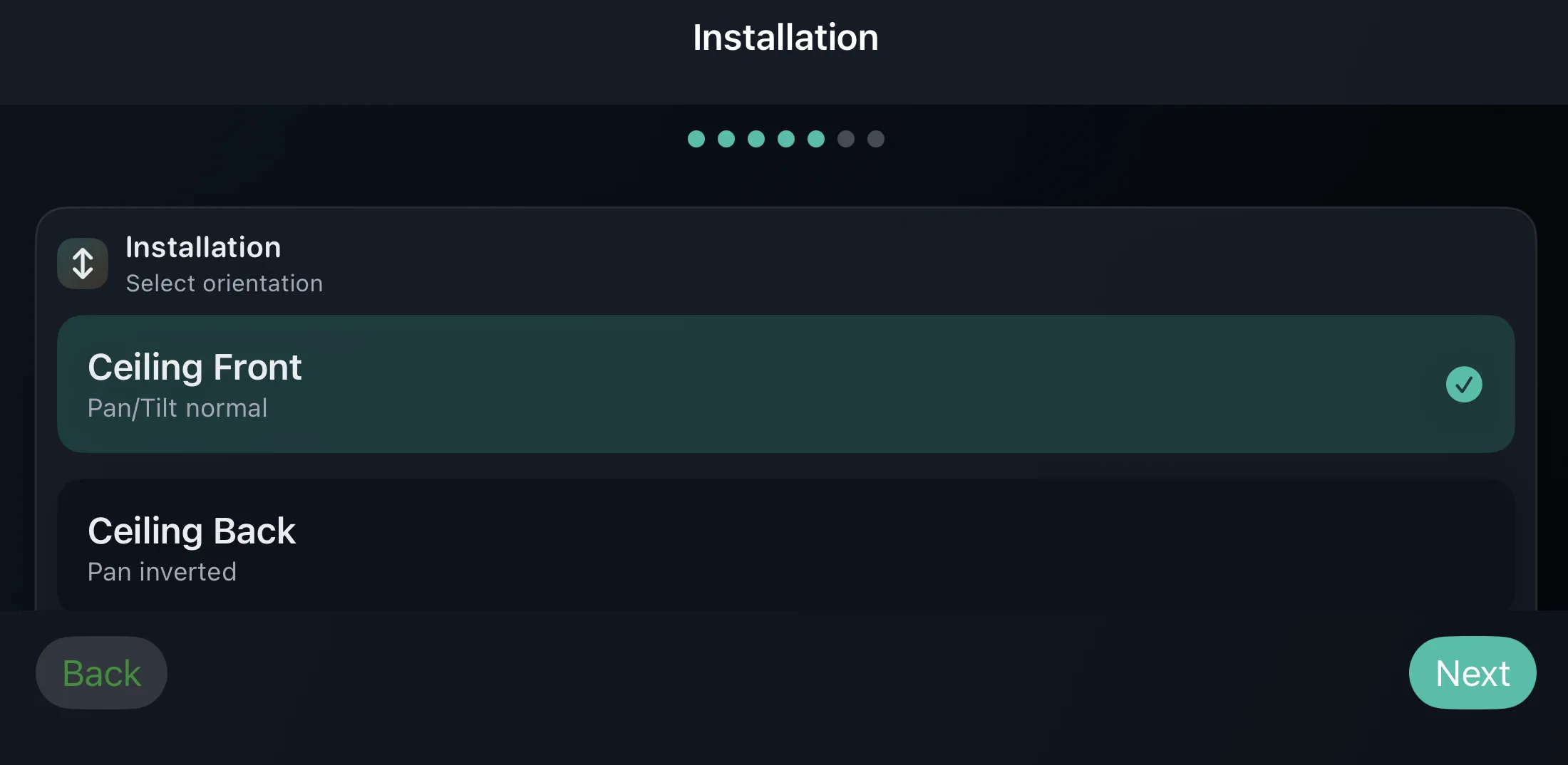
Calibrate your fixture initial position. Choose fixture orientation: ceiling, floor, front, or rear. Place your phone on a flat surface and calibrate. Access zero calibration directly by double-tapping the app icon.
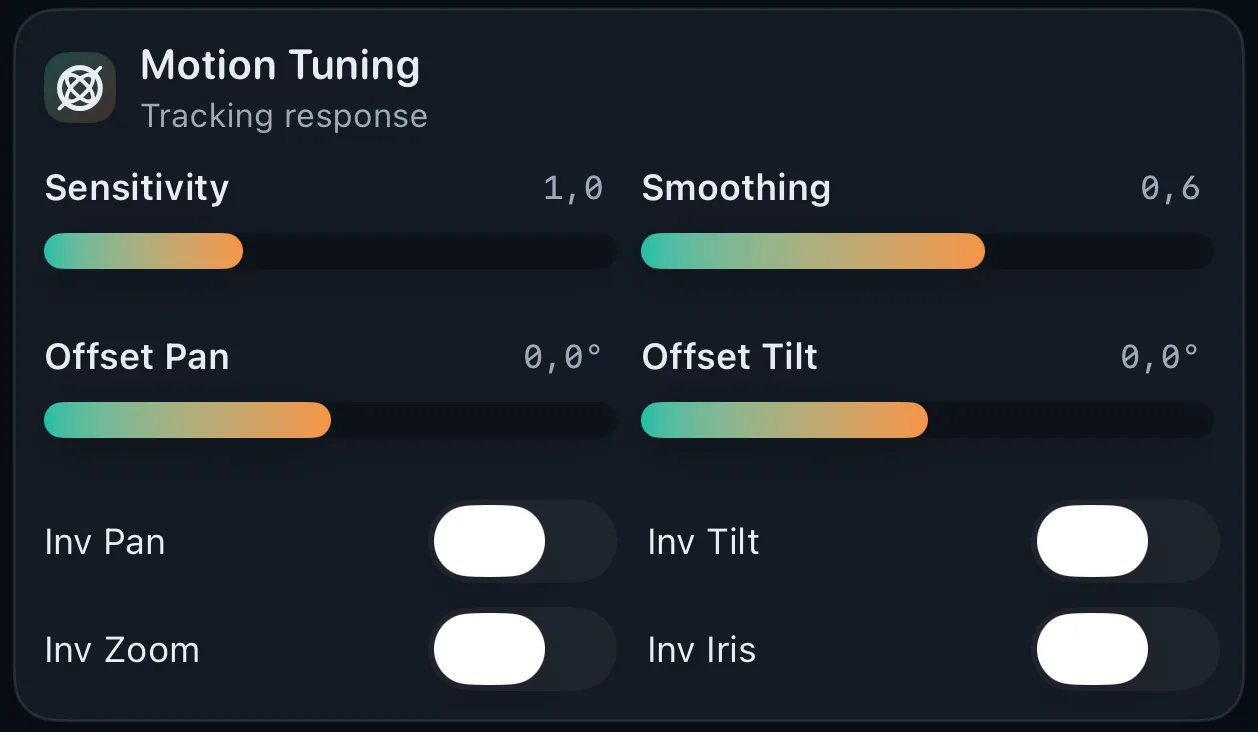
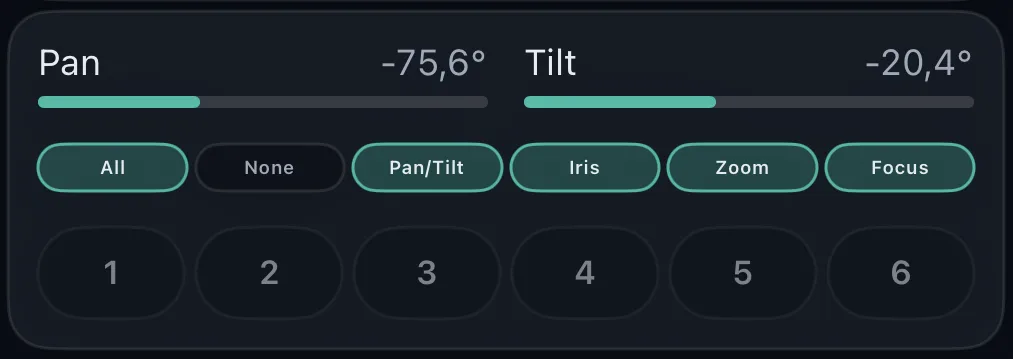
Configure motion sensor sensitivity and movement smoothing. Add pan and tilt offsets, and invert pan, tilt, zoom, or iris values.
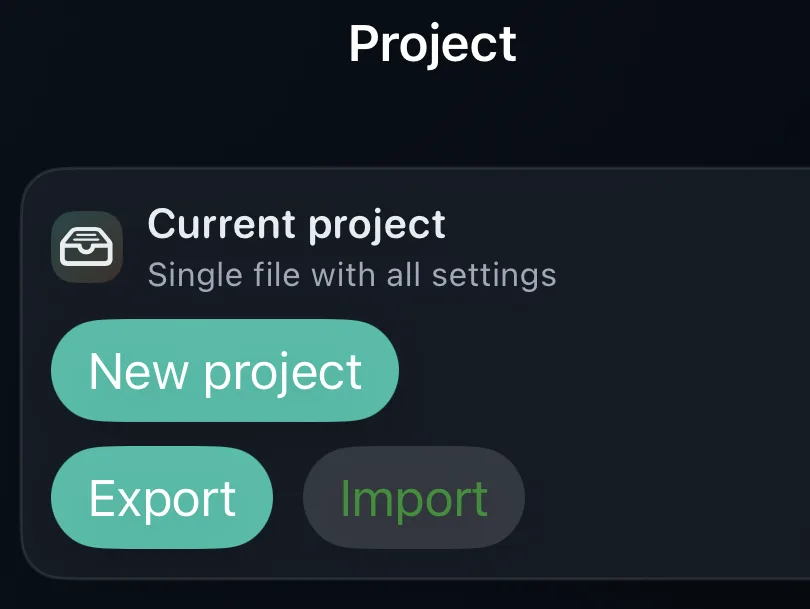
Tap the app icon and open the Project menu to create a new project, export, or import.
Turn your phone into a professional follow spot controller.
Open App StoreSend us your questions and we will get back to you.